


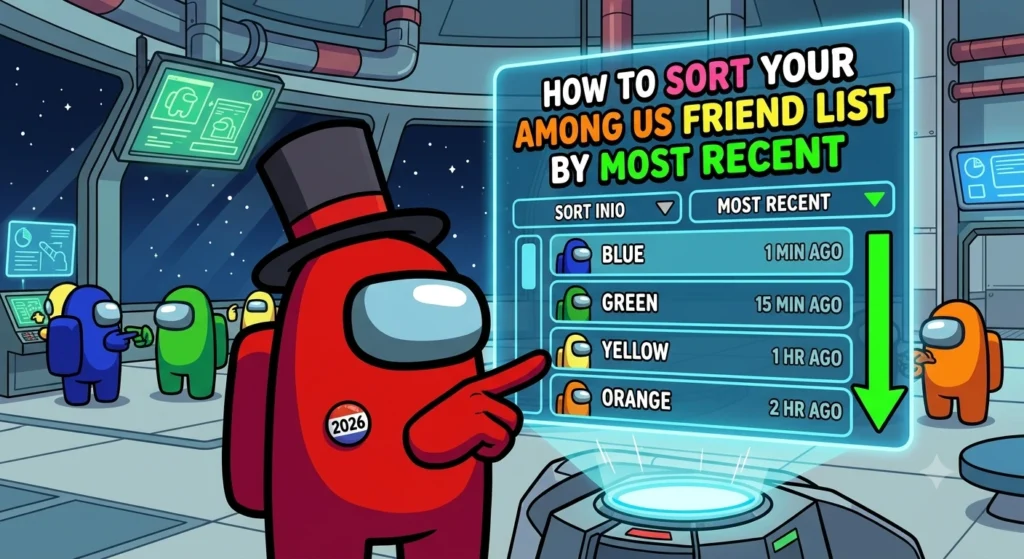
There’s no easy way to sort your friend list by most recent players in Among Us. The great thing is that there is a built-in method to view who you played with last. There are two tabs to the game, and many players get them confused. This guide will help you understand the Friends List and Recently Played With section to easily add people to the Among Us game.
It’s the same for mobile, PC and console as it’s linked to your account rather than the device. Once you know where to look, it makes playing Among Us online with friends much easier.
Understanding the Two Different Lists in Among Us
The game actually has two places where you can see other players. People often get them confused so it helps to know the difference right away. The Friends List tab shows only the people you have added permanently using friend codes. This is your long term list of regular gaming buddies.
The Recently Played With tab is automatic. It shows everyone from your most recent finished match with the newest games appearing first. This tab basically acts as your most recent players list even though it is not labeled that way.
Both tabs are in the same menu. You can open them from the main screen or while you are waiting in a lobby.
How to Access Your Recently Played With List (Your Most Recent View)
Opening your recent players is quick and simple. Here is exactly how to do it.
- First open the main menu and tap the Friends icon. It looks like a heart or people symbol depending on your platform.
- Next switch over to the Recently Played With tab at the top of the screen.
- You will see a list of everyone from your last completed game listed with the most recent at the top.
- Tap on any player name to send them a friend request right away. Their code fills in automatically so you do not have to type anything.
A useful tip is to check this tab as soon as a match ends. The list clears once you start a new game so it only shows your latest session.
How to Add Friends on Among Us
Every player has a unique friend code tied to their account. You use these codes to add people permanently to your main Friends List. There are two easy ways to add someone. The fastest method is through the Recently Played With tab. Just tap their name and send the request.
You can also add friends manually. Go to the Friends List tab and look for the Add Friend field. Type in their code there and send the request. To share your own code open the Friends List screen. Your code appears at the top. There is a small eye icon you can tap to hide or show it when you want to keep it private.
Important note. Both players need to be logged into a proper Among Us account. Guest mode does not support friend requests.
How to Keep Your Friend List Organized
Since the game does not offer sorting options like alphabetical order or date added you need a few simple habits to stay on top of things. Regularly clean up your list by removing players you only played with once. This keeps your real friends easy to find at the top.
Use the Recently Played With tab as your main checkpoint after every session. Add the people you enjoyed playing with before the list resets. It also helps to keep a personal note on your phone or in Discord with favorite friend codes. That way you can add them back quickly if anything gets removed by accident.
You can block players from the same menu too. This is handy for keeping annoying or toxic people out of your future games.
Troubleshooting Common Issues
Sometimes friend requests do not go through. This usually happens when the other player has turned off invites in their settings. If the Recently Played With list looks empty make sure you actually finished the full match. Backing out early can prevent it from updating.
You might not see someone from last week because this tab only keeps information from your most recent game. If you want to stay connected with them add them as a permanent friend right away.
Frequently Asked Questions
Can I sort my Among Us friends list alphabetically or by date?
No built in sort option exists right now. The Recently Played With tab is the closest thing to seeing your most recent players.
Does the Recently Played With list save between sessions?
No it resets as soon as you start a new match. That is why checking it right after games is important.
Can I add friends across different platforms?
Yes friend codes work cross platform. As long as both of you are logged into accounts and online you can connect no matter what device you use.