


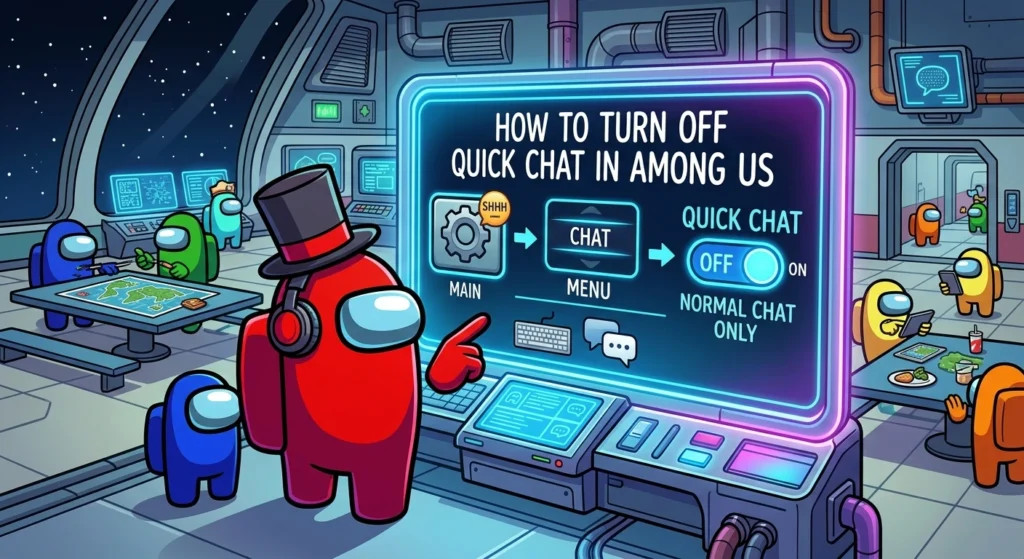
You cannot fully turn off Quick Chat in Among Us. What most players actually want is to switch from Quick Chat Only mode to Free or Quick Chat mode. This lets you type freely while still keeping the quick phrase options available. The change is simple once your account is set up correctly.
This guide shows the exact steps to enable Free Chat and explains why the option sometimes stays greyed out. It also covers the difference between the two chat types so you know exactly what you are changing.
What Is the Difference Between Quick Chat and Free Chat?
Quick Chat is the limited mode that only lets you pick from a menu of pre written phrases. Examples include things like Please do your tasks or I saw the impostor. It is designed mainly to protect younger players and keep conversations safer in public games.
Free Chat (officially called Free or Quick Chat) opens up full typing so you can write whatever you want. The quick phrase menu stays available as a backup option. Most adult players prefer Free Chat because it makes discussions during meetings much clearer and more natural.
The setting exists because Among Us has a large younger audience. Quick Chat Only is the default for unverified or underage accounts. Once you confirm your age the game unlocks the fuller option.
Step by Step: How to Turn On Free Chat
Follow these steps carefully. The process is the same whether you are trying to turn off Quick Chat Only or turn on Free Chat.
- Open Among Us and go to the main menu. Tap the gear icon in the bottom right or top right corner to open Settings.
- Switch to the Data tab. This is where account and chat related options live.
- Look for the Chat Type setting. It will currently say Quick Chat Only. Tap it and change the option to Free or Quick Chat.
- Confirm the change. The setting applies immediately for your account. When you host a lobby or join public games this choice will be used unless the host forces Quick Chat Only.
If the option is available and not greyed out the switch takes only a few seconds. Restart the game if the change does not appear right away.
Why Is the Free Chat Option Greyed Out?
The most common reason Free Chat stays locked is that your account is not verified as 13 or older. Among Us enforces this rule across all platforms to follow age rating guidelines.
You need a full Among Us account with a correct birthdate set. Guest or temporary accounts almost always stay stuck on Quick Chat Only. If you are under 13 a parent or guardian must create a child account and give permission through the official process.
This is not a random bug. The restriction is built into the game and applies on mobile PC and consoles. Creating or linking a proper account with accurate age information is the only reliable way to unlock Free Chat.
What NOT to Do (Safety Note)
Do not try to edit local save files or use third party tools to fake your birthdate. These workarounds are unreliable can break your account and go against the game terms of service. They also risk permanent bans or data loss.
If the option remains greyed out after creating a full account go through the official account settings or contact Innersloth support. The official route is safer and usually solves the problem permanently.
Frequently Asked Questions
Does turning on Free Chat also keep Quick Chat available?
Yes. Free or Quick Chat mode still lets you use the pre written phrases whenever you want. You simply gain the extra ability to type freely.
Can hosts force Quick Chat Only lobbies?
Yes. When hosting a game the host can choose to lock the lobby to Quick Chat Only even if individual players have Free Chat enabled on their own accounts.
Is Censor Chat a separate setting?
Yes. Censor Chat is an extra filter that blocks certain words. It works alongside both Quick Chat and Free Chat modes and can be toggled independently in the same settings area.
Final Tip
Once your account is properly verified the switch from Quick Chat Only to Free or Quick Chat takes just two clicks. Most players who complete the age confirmation never have trouble again. Open the settings menu change the Chat Type option and you will be able to type freely in your next game. Enjoy clearer conversations and fewer misunderstandings during those intense emergency meetings.